


Introduction to SentryPC
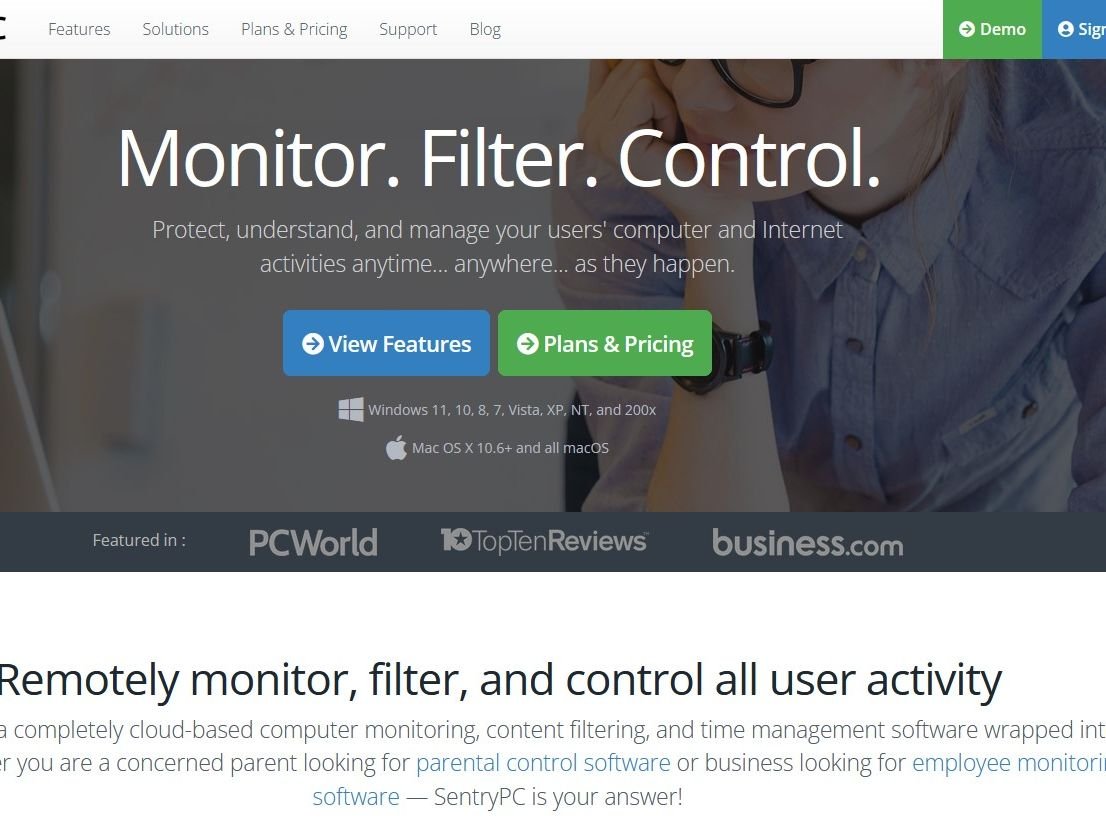
In an increasingly digital world where children spend substantial time on computers and devices, ensuring their online safety has become a paramount concern for parents. SentryPC emerges as a comprehensive solution to this modern parenting challenge, offering robust monitoring capabilities and flexible control features that allow parents to guide their children’s digital experiences. Originally launched in 2005 with a focus on Windows device monitoring, SentryPC has evolved significantly over nearly two decades into a cloud-based oversight platform that now supports multiple operating systems including Windows, macOS, Android, and Chromebooks.
SentryPC positions itself as an all-in-one parental control solution that goes beyond simple website blocking. It provides parents with detailed insights into how their children use devices, what content they access, and who they communicate with online. The software operates discreetly in the background, recording activities and enforcing boundaries set by parents, creating a safer digital environment for children without being overly intrusive when appropriately configured.
What sets SentryPC apart in the crowded parental control software market is its comprehensive approach to digital oversight. Rather than focusing on a single aspect like screen time limits or content filtering, it combines monitoring, filtering, and scheduling capabilities into a unified platform accessible from any web-enabled device. This holistic approach gives parents the tools they need to address various digital parenting concerns, from preventing exposure to inappropriate content to managing gaming time and promoting balanced device usage.Start Monitoring Today
Key Features and Capabilities
Comprehensive Activity Monitoring
SentryPC provides extensive monitoring capabilities that give parents unparalleled visibility into their children’s digital activities:
- Keystroke Recording: Logs all keyboard inputs, helping parents understand what their children are typing across applications, websites, and messaging platforms. This feature provides context for other activities and can alert parents to potentially dangerous conversations or information sharing.
- Screenshot Capture: Takes periodic screenshots of the device screen, providing visual evidence of activity. The software supports dual monitors and includes built-in slideshow functionality for easy review. Screenshots are stored in the cloud with configurable storage limits based on your subscription plan.
- Application and Website Tracking: Records all opened applications and visited websites, complete with timestamps and duration of use. This allows parents to identify which programs and sites consume most of their children’s time and attention.
- Social Media and Communication Monitoring: Tracks activity across various communication platforms, though the depth of monitoring varies by operating system and specific applications.
Content Filtering and Restrictions
SentryPC’s content filtering system provides granular control over what children can access and when:
- Website Filtering: Block inappropriate websites by category or specific URLs. Parents can create custom allowlists or blocklists and schedule when certain sites can be accessed.
- Application Blocking: Restrict access to specific applications, games, or programs entirely or during certain hours. This is particularly useful for limiting gaming or social media use during homework time.
- Keyword and Phrase Filtering: Prevent specific words or phrases from being typed, useful for blocking sharing of personal information like addresses or phone numbers, or for filtering inappropriate language.
- Security Restrictions: Disable specific computer functions like Control Panel, Task Manager, external drives, or file copying to prevent children from circumventing parental controls or making unauthorized system changes.
Time Management and Scheduling
SentryPC includes flexible scheduling tools that help parents enforce healthy device usage habits:
- Usage Schedules: Create daily schedules that define exactly when the computer can be used, preventing late-night gaming sessions or device use during homework hours.
- Time Allowances: Set maximum daily or weekly usage limits to ensure children don’t spend excessive time on devices.
- Automatic Lockouts: The system automatically locks the computer outside of approved hours or when time limits are reached, eliminating arguments about device usage.
Additional Notable Features
- Geofencing and Location Tracking: For mobile devices, parents can set virtual boundaries and receive alerts when the device enters or leaves specified areas.
- Real-time Alerts: Receive instant email notifications when children attempt to access blocked content or trigger custom alerts based on specific keywords or activities.
- Stealth Operation: Operates invisibly in the background without alerting users, though parents can optionally enable warning messages if they prefer transparency.
See if SentryPC is Right for You
Ease of Use and Setup
Simple Installation Process
SentryPC features a straightforward setup process that most parents can complete without technical expertise:
- Cloud-Based Management: As a completely cloud-managed solution, SentryPC requires no complex network configuration or server setup. After purchasing a license, parents download a small agent application onto the target device.
- Step-by-Step Installation: The installation wizard guides users through the process with clear instructions. The software can be installed on Windows and macOS devices in minutes, with remote installation options available for managed environments.
- Mobile Device Setup: Android installation follows standard app installation procedures through the Google Play Store or direct APK installation, though features may be more limited compared to desktop versions.
Intuitive Dashboard Interface
Once installed, SentryPC provides a user-friendly web dashboard that organizes all features and information logically:
- Centralized Management: The cloud-based dashboard allows parents to view activity logs, adjust settings, and manage multiple devices and users from any web-enabled device.
- Real-time Updates: The dashboard updates in real-time as activities occur on monitored devices, providing current visibility rather than just historical reporting.
- Visual Reports and Charts: The platform includes various visualizations that make it easy to understand usage patterns at a glance, including charts showing most-used applications and websites.
- Customizable Views: Parents can filter, search, and sort activity logs by date, user, device, or activity type to quickly find relevant information.

Performance and Reliability
System Compatibility
SentryPC supports a wide range of operating systems, though capabilities vary by platform:
- Windows: Full support for Windows 7 through Windows 11, both 32-bit and 64-bit versions, with the most comprehensive feature set.
- macOS: Compatible with OS X 10.9 and higher, including the latest macOS versions, though some advanced features may be limited compared to Windows.
- Android: Supports Android 5.0 (Lollipop) and up, with core monitoring features but potentially reduced functionality for some advanced capabilities.
- Chromebook: Basic monitoring support available, though feature depth may not match Windows versions.
- iOS Limitations: Notably, SentryPC does not offer full monitoring capabilities for iOS devices due to Apple’s platform restrictions, which is a significant limitation for families heavily invested in the Apple ecosystem.
System Impact and Resource Usage
SentryPC is designed to operate efficiently in the background without significantly impacting device performance:
- Lightweight Operation: The software uses minimal system resources, with testing showing approximately 0.5% CPU usage during active monitoring.
- Unlimited Cloud Storage: All activity logs and screenshots are stored in the cloud with unlimited storage, preventing local device storage from being consumed by monitoring data.
- Reliable Operation: The software runs as a background service with automatic restart capabilities, ensuring continuous monitoring even after system reboots.
Pricing and Plans
SentryPC offers straightforward pricing with several tiered plans suitable for different family needs:
Table: SentryPC Pricing Plans (Annual Billing)
| Plan | Price/Year | Licenses | Screenshot Storage | Best For |
|---|---|---|---|---|
| Basic | $69.95 | 1 | 500 | Single device |
| Standard | $99.95 | 3 | 1,000 | Small families |
| Premium | $129.95 | 5 | 2,000 | Larger families |
| Business 50 | $1,495.00 | 50 | 500 | Small businesses |
| Business 100 | $2,495.00 | 100 | 1,000 | Growing businesses |
For family use, the Basic plan typically suffices, covering one device with the option to add additional licenses at reduced rates. All plans include access to SentryPC’s complete feature set—the primary differences lie in the number of licenses and screenshot storage allocations.
It’s worth noting that SentryPC operates on an annual subscription model with no month-to-month option, which requires a longer commitment than some competing solutions. The company does not offer a free trial, though potential customers can explore a comprehensive online demo account to evaluate the interface and functionality before purchasing.Compare Pricing Plans
Comparison with Competitors
SentryPC vs. Leading Alternatives
When evaluating SentryPC against other parental control solutions, several key differences emerge:
- vs. Qustodio: While Qustodio offers better iOS support and a more polished mobile experience, SentryPC provides deeper computer monitoring capabilities, particularly for Windows devices. Qustodio’s interface is generally considered more user-friendly for non-technical parents, but SentryPC offers more detailed activity logs and customization options.
- vs. Norton Family: Norton Family excels at web filtering and includes excellent location tracking features, but lacks the comprehensive keystroke logging and screenshot capabilities that make SentryPC particularly effective for thorough monitoring. Norton also offers better cross-platform consistency.
- vs. Bark: Bark specializes in social media monitoring and uses AI to detect potential issues like cyberbullying or predatory behavior. However, SentryPC provides more immediate control over device usage and better time management features. Bark’s strength is in alerting parents to potential concerns, while SentryPC focuses on prevention and restriction.
Market Position and Unique Value Proposition
SentryPC occupies a specialized niche in the parental control market by focusing on comprehensive computer monitoring rather than trying to be all things to all users. Its deep Windows integration and extensive logging capabilities make it particularly valuable for:
- Parents who need to monitor specific applications or document detailed computer usage
- Families where computers are the primary devices used for both schoolwork and entertainment
- Situations requiring documented proof of computer activities
- Parents who prefer detailed raw data over algorithmically processed insights
Pros and Cons
Advantages of SentryPC
- Comprehensive Monitoring: Provides detailed visibility into virtually all computer activities, from keystrokes and applications to websites and screenshots.
- Cross-Platform Support: Works across Windows, Mac, Android, and Chromebook devices from a single management interface.
- Cloud-Based Convenience: No need for direct access to monitored devices once installed—all management happens through the web dashboard.
- Flexible Filtering: Granular content controls that can be tailored to each child’s age and responsibility level.
- Time Management Features: Robust scheduling and usage limit tools that promote healthy device habits.
- Stealth Operation: Optional invisible operation prevents tech-savvy children from disabling the monitoring.
Limitations and Considerations
- No iOS Monitoring: Cannot fully monitor iPhones or iPads due to Apple’s platform restrictions.
- Limited Mobile Features: Android capabilities may not match the depth of desktop monitoring.
- Annual Subscription Required: No monthly payment option available, requiring longer financial commitment.
- No Free Trial: Cannot test the software on your own devices before purchasing.
- Mixed Customer Support Reviews: Some users report challenges with customer service responsiveness.
- Antivirus Interference: The software may be flagged by some antivirus programs, requiring configuration adjustments.
Real-World Usage Scenarios
Common Parental Use Cases
SentryPC proves particularly effective in these specific situations:
- Homework Management: Ensure children stay focused on educational tasks during designated study hours by blocking social media and entertainment sites, while still allowing access to research materials and educational resources.
- Gaming Control: Manage excessive gaming by setting strict time limits, blocking gaming platforms during certain hours, and monitoring communications within gaming applications for inappropriate content or contacts.
- Social Media Oversight: Track activity across multiple platforms to identify potential cyberbullying, inappropriate conversations, or excessive screen time without completely blocking access to social connections.
- Younger Children’s First Devices: Provide a safe introduction to digital technology for younger children by creating a tightly controlled environment that gradually expands as they demonstrate responsible usage.
Implementation Best Practices
To maximize SentryPC’s effectiveness while maintaining healthy parent-child relationships:
- Age-Appropriate Configuration: Tailor monitoring levels to the child’s age and maturity. Younger children typically benefit from stricter filtering and more comprehensive monitoring, while teens may require more privacy with focused oversight on specific concerns.
- Transparent Communication: Consider discussing monitoring with older children rather than relying entirely on stealth operation. Explain that monitoring comes from concern for their safety rather than lack of trust.
- Balanced Restrictions: Avoid over-blocking that might hinder educational access or age-appropriate social development. Regularly review and adjust settings as children mature and demonstrate responsibility.
Final Verdict and Conclusion

Who Is SentryPC Best For?
Based on its feature set and performance, SentryPC is ideally suited for:
- Concerned Parents seeking comprehensive visibility into their children’s digital activities across computers and Android devices.
- Families with Multiple Device Types who need consistent monitoring across Windows PCs, Macs, and Android devices.
- Parents of Younger Children who need strong filtering and scheduling tools to enforce healthy boundaries.
- Families Valuing Discreet Monitoring who prefer the software to operate invisibly without constant reminders to children.
Overall Assessment and Recommendation
After thorough evaluation, SentryPC emerges as a powerful specialized tool in the parental control software landscape, particularly distinguished by its comprehensive computer monitoring capabilities and detailed activity logging. While it may not provide the seamless cross-platform experience of some competitors or the sophisticated AI analysis of newer entrants, its unmatched visibility into computer activities makes it an excellent choice for parents primarily concerned with monitoring laptop and desktop usage.
The software’s annual subscription requirement and limited iOS support represent significant considerations for potential users, but for families whose children primarily use Windows computers and Android devices, SentryPC delivers exceptional value through its extensive feature set and reliable performance.
As digital parenting challenges continue to evolve, SentryPC’s focus on providing detailed, actionable information rather than overly automated interventions appeals to parents who prefer to make their own judgments based on comprehensive data. For the right family with appropriate expectations and specific monitoring needs, SentryPC represents one of the most thorough solutions available in 2025.
Final Score: 8.5/10
Recommendation: SentryPC is highly recommended for Windows-focused households that prioritize detailed monitoring over cross-platform convenience. Families heavily invested in the Apple ecosystem should look elsewhere, while those seeking the deepest possible insight into computer activities will find SentryPC exceptionally capable.egalguide.com